
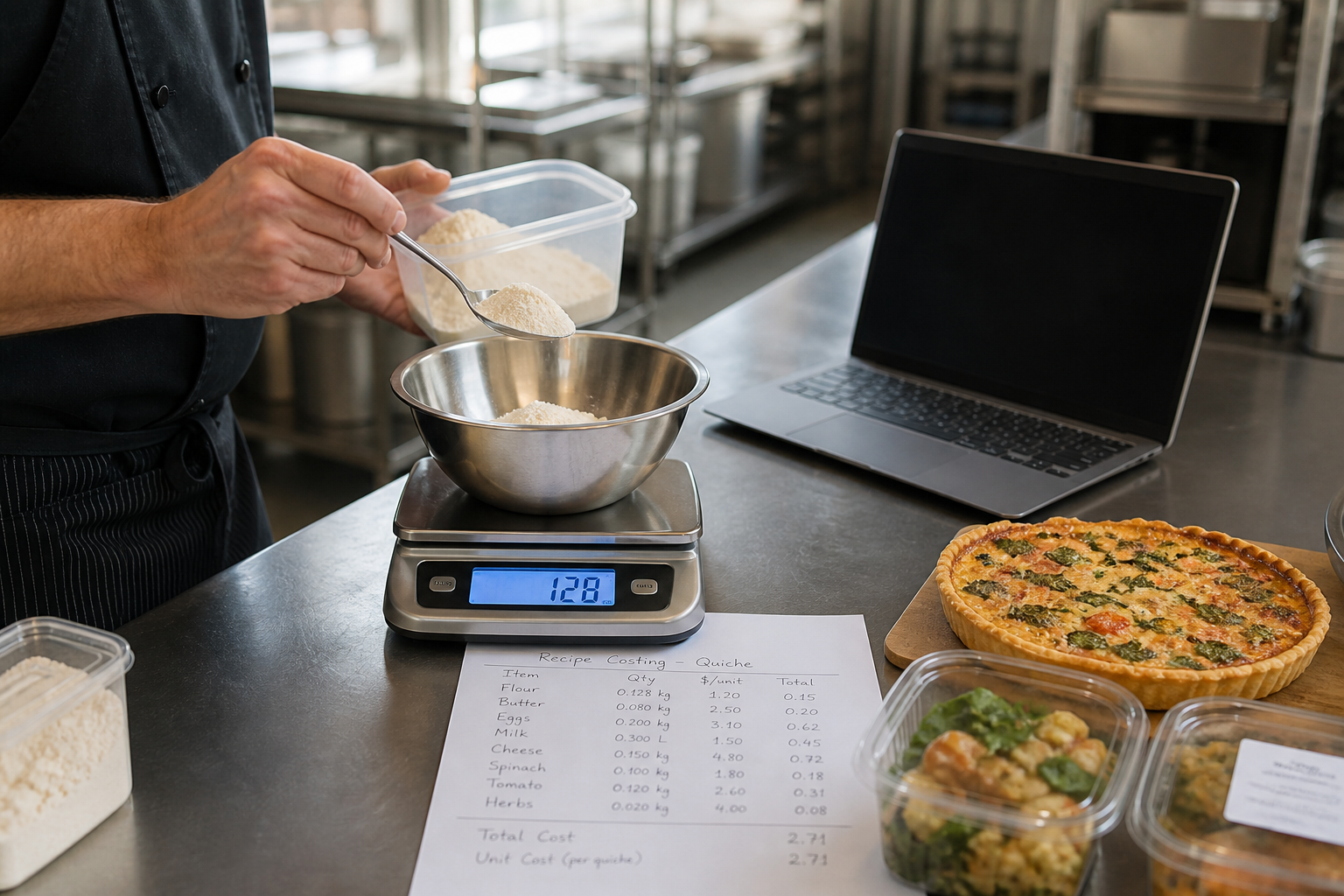
Cost of Goods Sold, or COGS, is one of the most important numbers in a product-based business. If you sell physical products, prepared food, packaged goods, manufactured items, wholesale products, or anything that requires materials and labor to produce, COGS tells you how much it actually costs to deliver those products to customers.
The problem is that many businesses only look at COGS after the fact, usually when margins are already shrinking. Supplier prices creep up, freight charges change, ingredient costs increase, and small invoice-level changes quietly eat into profit.
CostBeacon turns this workflow into an invoice-backed system: see the invoice price tracking product, compare plans and trial options, or review our supplier price tracking software page for the commercial overview.
The real opportunity: calculating COGS is the first step. Improving it means tracking the supplier and item-level costs that push it higher.
What is Cost of Goods Sold?
Cost of Goods Sold is the direct cost of producing or purchasing the goods your business sells during a specific period. In simple terms, COGS answers the question: how much did it cost us to create or acquire the products we sold?
For a restaurant, COGS may include ingredients, packaging, and prepared food items. For a retailer, it may include the wholesale cost of inventory purchased for resale. For a manufacturer, it may include raw materials, components, direct production labor, and certain production overhead costs.
COGS usually does not include general business expenses such as marketing, administrative salaries, office rent, or software subscriptions. Those are operating expenses. COGS is focused on costs directly tied to the products sold.
The formula: how to calculate COGS accurately
The standard formula for calculating COGS is: beginning inventory plus purchases during the period, minus ending inventory. This matters because COGS is not simply what you bought. It is the cost of inventory actually sold.
Beginning inventory
$20,000 Stock on hand at startPurchases
$50,000 Inventory bought this monthEnding inventory
$15,000 Stock still unsoldCost of Goods Sold
$55,000 Direct cost of goods soldIf revenue for that month was $100,000, then gross profit would be $45,000. Gross margin would be $45,000 divided by $100,000, or 45%. That means the business keeps 45 cents of gross profit for every dollar of revenue after covering direct product costs.
What goes into COGS?
To improve COGS, you need to understand what is inside it. The most common components are direct materials, direct labor, production overhead, and freight-in.
Costs required to make or buy the goods sold
Operating expenses stay separate
Keeping these separate prevents COGS from becoming a catch-all expense bucket.
Direct materials are often the largest part of COGS, and they are also one of the easiest areas for supplier cost increases to hide. A supplier may raise a single ingredient by 4%, packaging by 7%, or add a freight charge that previously did not appear on the invoice.
Direct labor includes wages paid to people directly involved in producing the goods you sell. Production overhead may include factory rent, production utilities, equipment depreciation, maintenance, production supplies, or quality control costs. Freight-in is often included because it is part of acquiring inventory or production inputs.
Why tracking COGS is essential for business health
COGS directly affects gross profit, pricing, cash flow, and business sustainability. When COGS rises and selling prices stay the same, gross margin falls. That gives the business less room to cover operating expenses, reinvest in growth, hire staff, or absorb unexpected costs.
Before supplier increase
- Revenue
- $50
- COGS
- $30
- Gross profit
- $20
- Gross margin
- 40%
After COGS rises
- Revenue
- $50
- COGS
- $36
- Gross profit
- $14
- Gross margin
- 28%
Same selling price. Less gross profit. Lower margin.
A product that was profitable six months ago may not be profitable today if supplier prices have increased. For example, if you sell a product for $50 and COGS rises from $30 to $36, gross profit falls from $20 to $14 and gross margin drops from 40% to 28%.
Tracking COGS by item, category, supplier, or location helps you understand which products are becoming less profitable, which inputs have increased the most, and which suppliers are contributing most to margin pressure.
Strategies to reduce COGS and protect profit margins
Calculating COGS is only the beginning. The real value comes from improving it. Start with the areas where supplier invoices and item-level cost history can reveal leakage fastest.
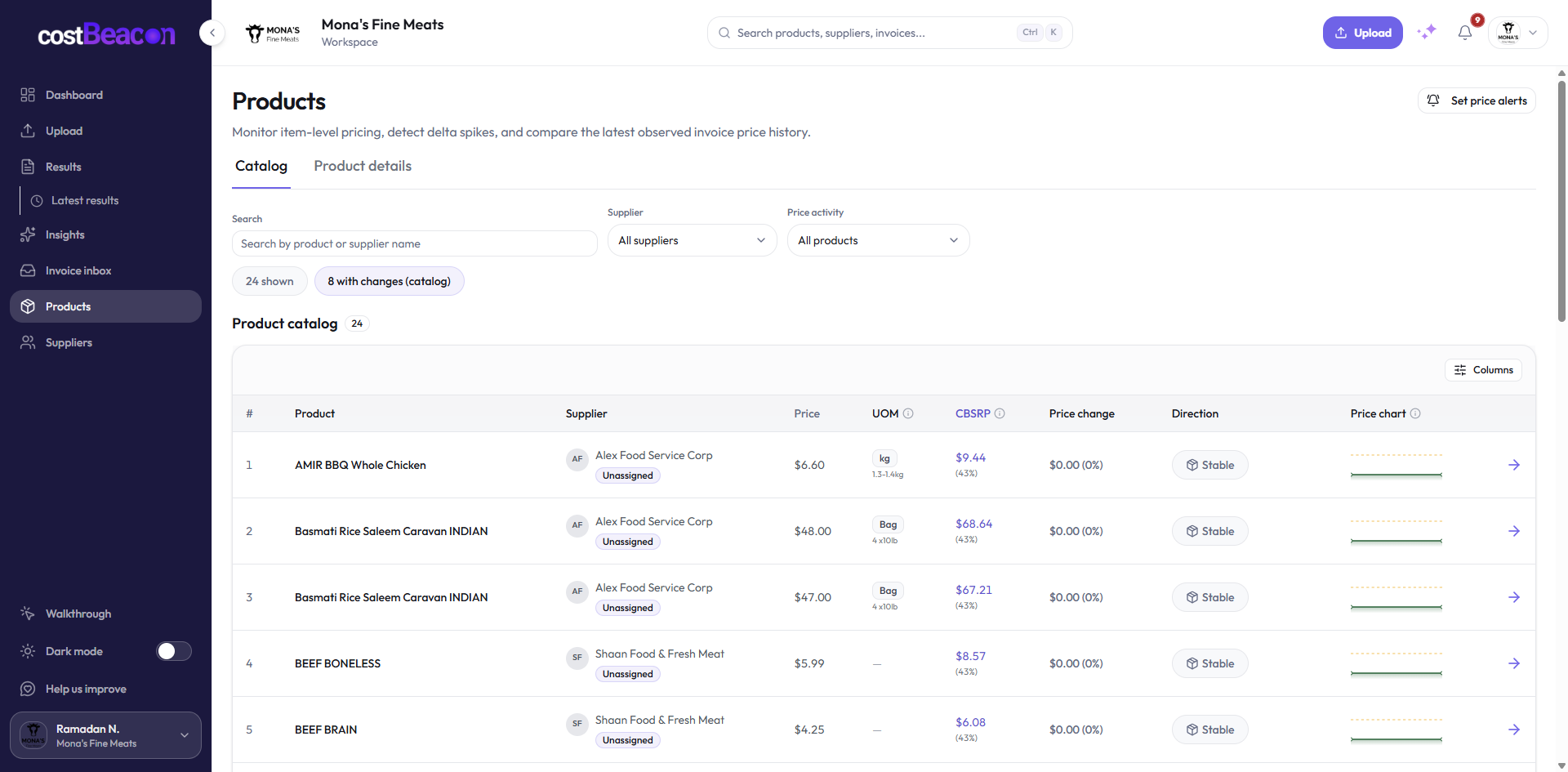
Track item-level supplier price changes
Many businesses only review total invoice amounts. That makes it difficult to know whether a higher invoice was caused by higher volume, higher unit prices, new fees, missing discounts, or packaging-size changes. Track item-level costs such as product name, supplier, quantity, unit price, case size, freight charges, discounts, and invoice date.
Negotiate with supplier data
Negotiation is easier when you can point to specific evidence. Instead of saying costs feel high, you can say: over the last six months, this unit price increased by 11% while purchase volume stayed consistent. Can we review pricing or explore a volume-based discount?
Consolidate where it makes sense
If your business buys similar products from many suppliers, you may be spreading purchasing power too thin. Consolidating volume can improve pricing, terms, or service levels. For critical products, balance that with a qualified backup supplier so savings do not create supply risk.
Reduce waste, improve inventory, and review surcharges
Waste is hidden COGS. Spoilage, scrap, rework, shrinkage, obsolete stock, rush orders, premium freight, and buried delivery fees can all raise product costs. Review waste by product, location, supplier, and reason, then adjust purchasing and operations around the patterns.
Standardize purchasing across teams or locations
If different locations buy the same product from different suppliers at different prices, the business may be overpaying. Standard purchasing lists, preferred suppliers, and approved product specs help keep negotiated pricing from leaking away.
Common mistakes when calculating COGS
- Mixing operating expenses into COGS: Marketing, office rent, sales salaries, software, insurance, and general overhead usually belong outside COGS.
- Ignoring inventory changes: COGS is not simply purchases during the period. Beginning and ending inventory matter.
- Not tracking unit costs: Total invoice amounts do not tell you whether volume changed or the unit price changed.
- Forgetting freight-in: If inbound freight is material, leaving it out can make margins look healthier than they are.
- Reviewing COGS too infrequently: Monthly or weekly visibility is often more useful than waiting until quarter-end.
How CostBeacon helps control supplier-driven COGS
COGS is only useful if you can trust the data behind it. CostBeacon helps businesses see the supplier and invoice data that drives product costs. It extracts invoice information, organizes supplier spend, tracks item-level pricing, and alerts you when costs change after invoices are uploaded and processed.
CostBeacon does not replace your accounting system's official inventory calculation. It gives owners and operators a clearer view of the supplier costs that explain why COGS is moving.
With invoice-level visibility, you can monitor supplier price changes, track historical item costs, identify unexpected invoice increases, compare spend across suppliers, prepare better supplier negotiations, and reduce manual invoice review.
Bottom line: the businesses that manage COGS best are not only looking backward at accounting reports. They are catching cost changes early and using data to make better purchasing decisions.
FAQ
Common questions
How does CostBeacon help with supplier costs?
CostBeacon extracts line-item costs from supplier invoices and tracks product history so you can see price changes before margin is squeezed.
Do I need QuickBooks?
No. CostBeacon works from uploaded invoices; QuickBooks Online sync is optional.