
Security & compliance
Invoice data is private business data.
CostBeacon is built to keep each customer workspace separated, authenticated, and protected while invoices move from upload to extraction, storage, and reporting.
Supplier invoice · INV-48721
- Item
- Organic Sunflower Oil 5L
- Qty
- 12
- Unit cost
- $23.40
Matched item comparison
Unit-cost change- Previous
- $21.60
- Current
- $23.40
- Change
- +$1.80 · +8.33%
How the application is designed
Security controls tied to the way CostBeacon works
CostBeacon does not rely on a single promise. Security comes from sign-in controls, workspace boundaries, permission checks, controlled service operations, and managed safeguards working together.
Workspace isolation for invoices, products, and vendors
Business records are separated by customer workspace. A user can access workspace data only after sign-in and permission checks pass.
Roles for workspace administration
Owner, admin, and member roles support team administration and invitations, while access checks continue to protect workspace data.
Controlled team access changes
Team access changes follow controlled application flows, so workspace access is not treated as ordinary editable page content.
Protected integration handling
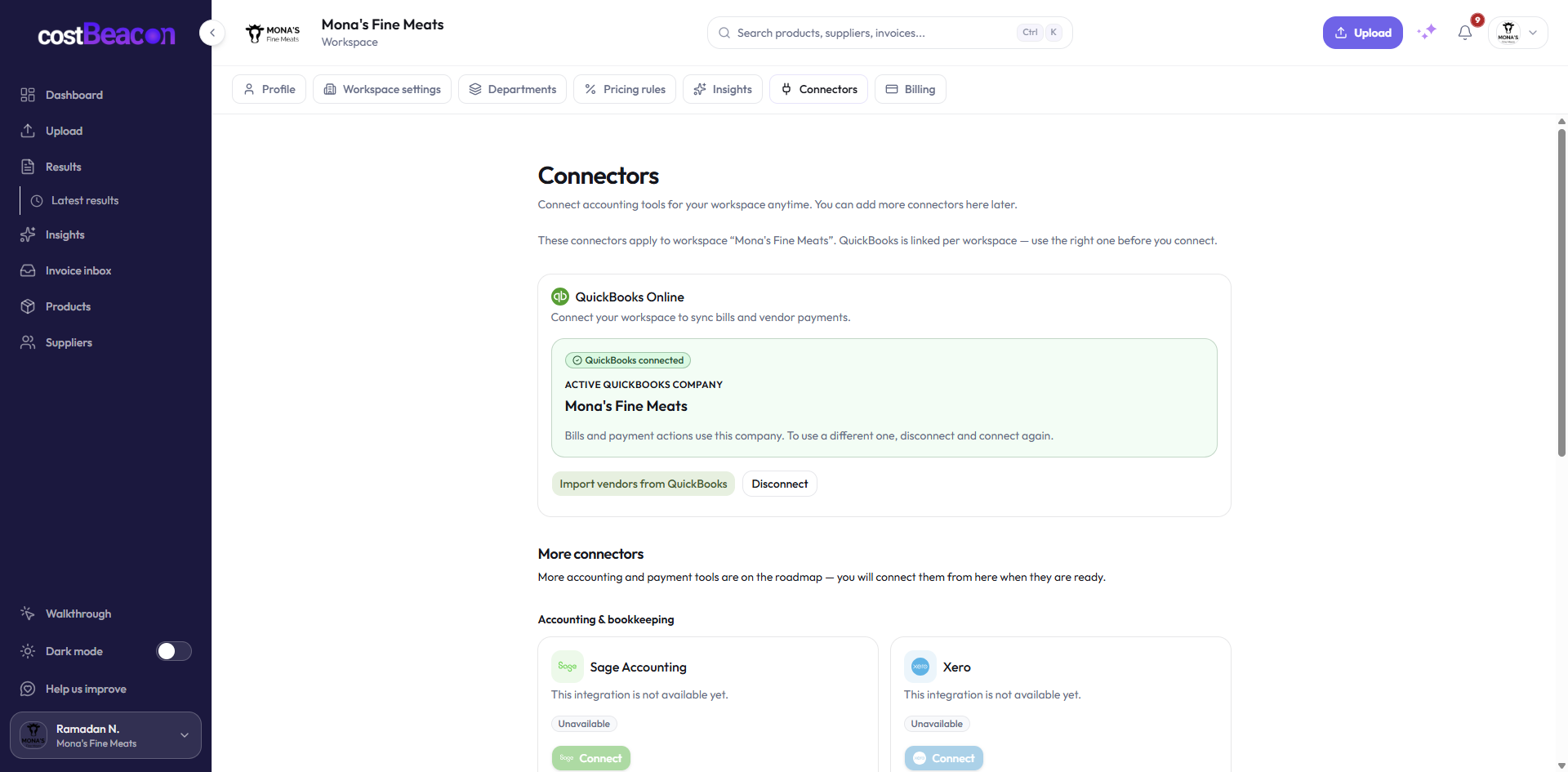
Accounting and service integrations are handled through protected application processes, keeping sensitive connection details away from normal workspace screens.
Historical records are protected from casual edits
Historical invoice, product, and vendor records are treated as audit-style evidence, so day-to-day users cannot casually rewrite the past.
Secure invoice processing pipeline
Invoices move through sign-in, upload, protected processing, structured extraction, and secure storage. Sensitive service operations are kept separate from the browser experience.
Product evidence
Controls show up inside the product, not just on this page
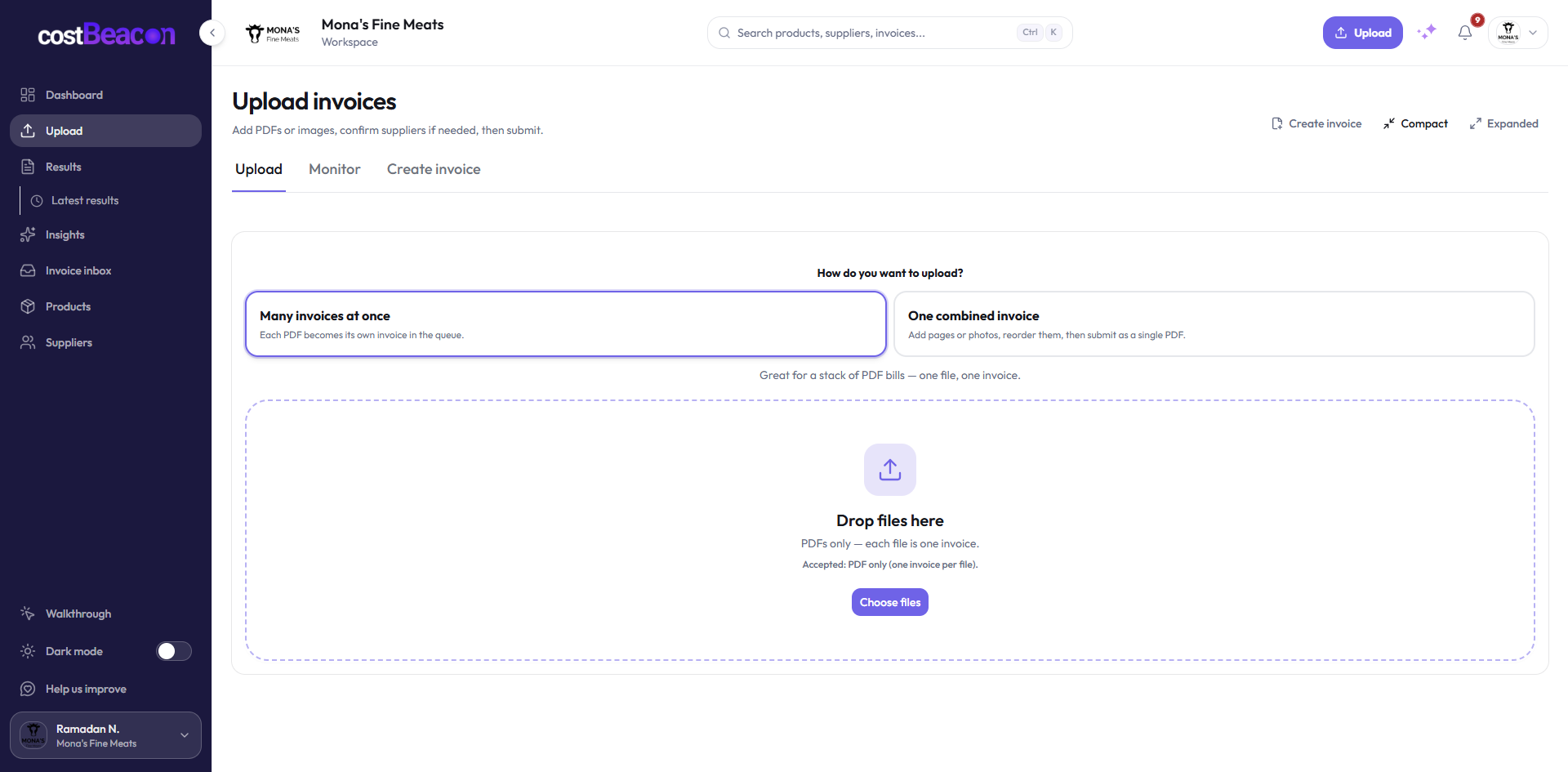
The same workspace model that protects data also shapes how teams upload invoices, review price history, and connect accounting systems.
- Uploaded invoices are attached to the authorized customer workspace.
- Supplier and product history stays inside the team boundary.
- Accounting integrations are handled through protected application flows.
Compliance foundation
Compliance-minded controls for customer review
CostBeacon keeps public security claims focused on the controls customers can rely on: signed-in access, separated customer workspaces, encrypted handling, privacy documentation, and controlled support processes.
How we handle security diligence
We keep the public page intentionally high level so it is useful to buyers without exposing internal details. Security and compliance questions can be reviewed through the proper support or procurement channel.
This page explains practical safeguards at a customer-safe level. More detailed materials can be shared selectively when a legitimate customer review requires them.
Plain-English boundary
What we are claiming, and what we are not claiming
What this means
CostBeacon is designed with sign-in controls, team-scoped data, permission checks, encrypted handling, and protected service operations.
What this does not mean
This page does not publish internal details or claim that CostBeacon independently holds a formal security certification. It explains the security posture at a customer-safe level.
Start secure
Protect margin data from the first invoice
Drop one invoice into a workspace built for sign-in control, team boundaries, and encrypted handling — then watch line items, price history, and alerts come together in minutes.
- Workspace isolated from day one
- Encrypted in transit and at rest
- No credit card to begin
Upload your first invoice free
Free to start · View pricing · Sign in