
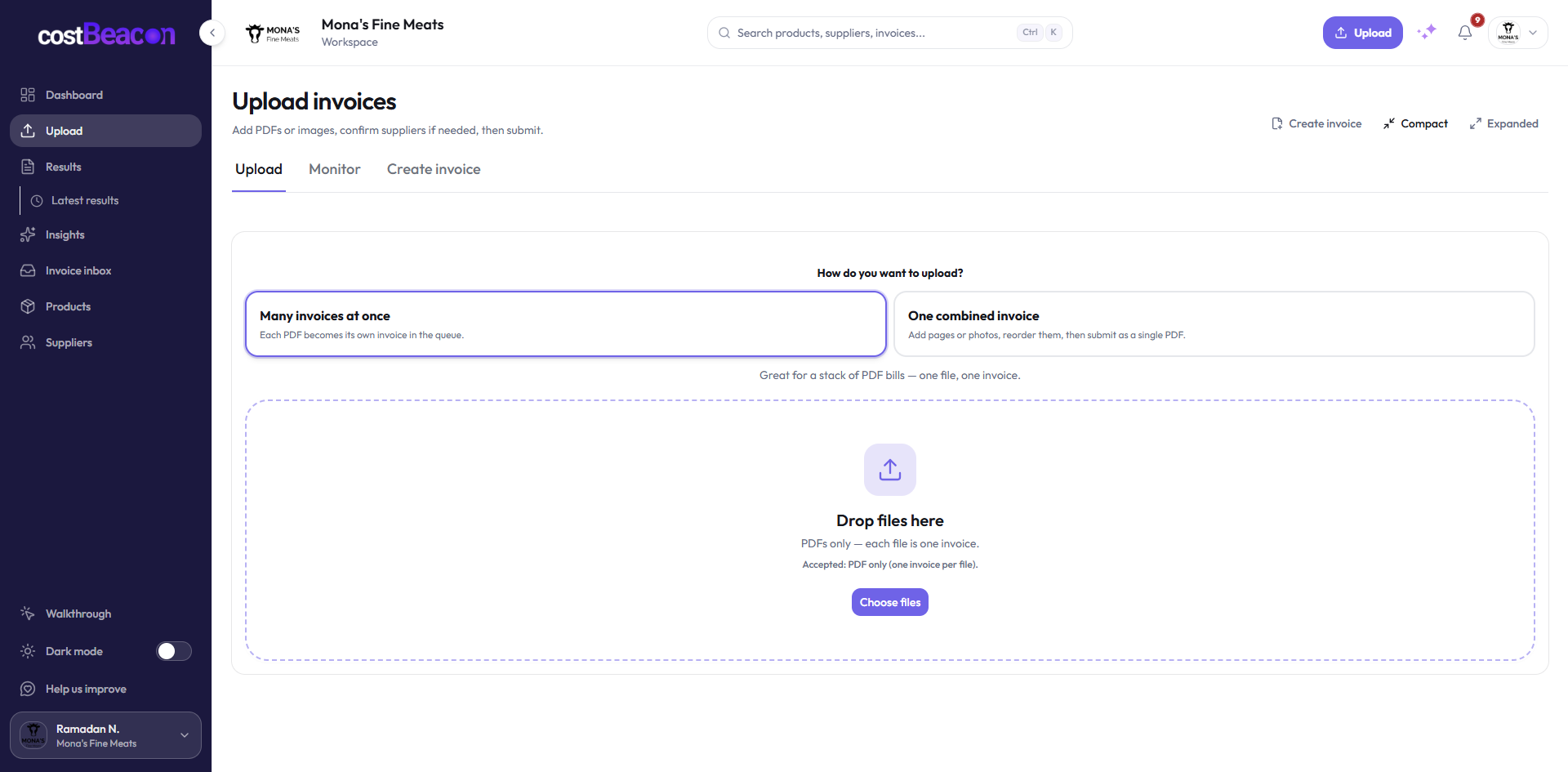
Upload in bulk or one at a time
PDFs, photos, and scans—processing usually finishes in under a minute per invoice.
CostBeacon product
Upload a supplier bill, extract the line items operators actually review, and open the invoice behind every unit-cost change — before month-end.
Supplier invoice · INV-48721
Matched item comparison
Invoice-backed resultInside the app
Live product screens — focused on the operator path, not a generic feature dump.
PDFs, photos, and scans—processing usually finishes in under a minute per invoice.
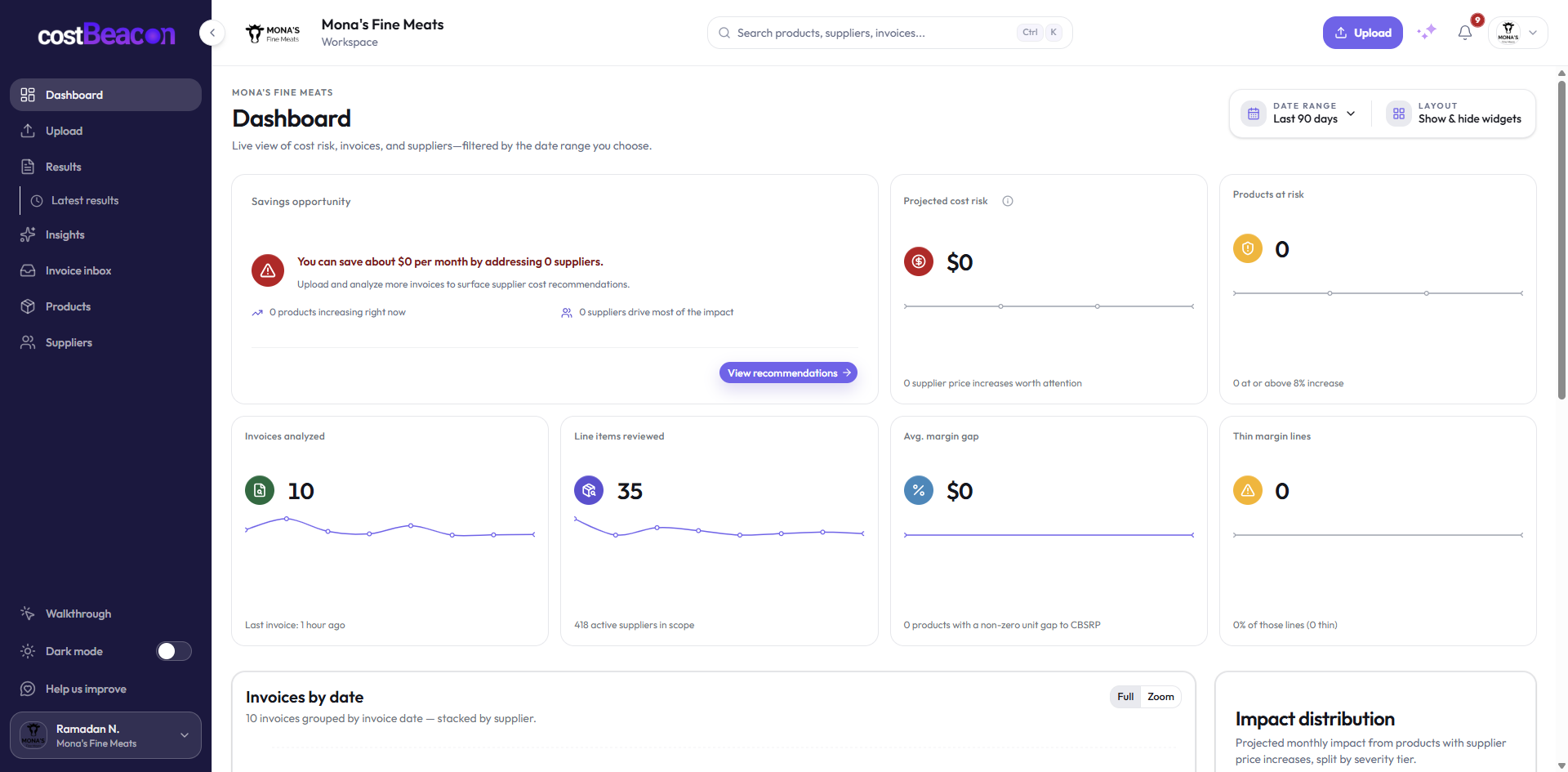
Spend totals, cost-pressure counts, and vendor records — without rebuilding a spreadsheet.
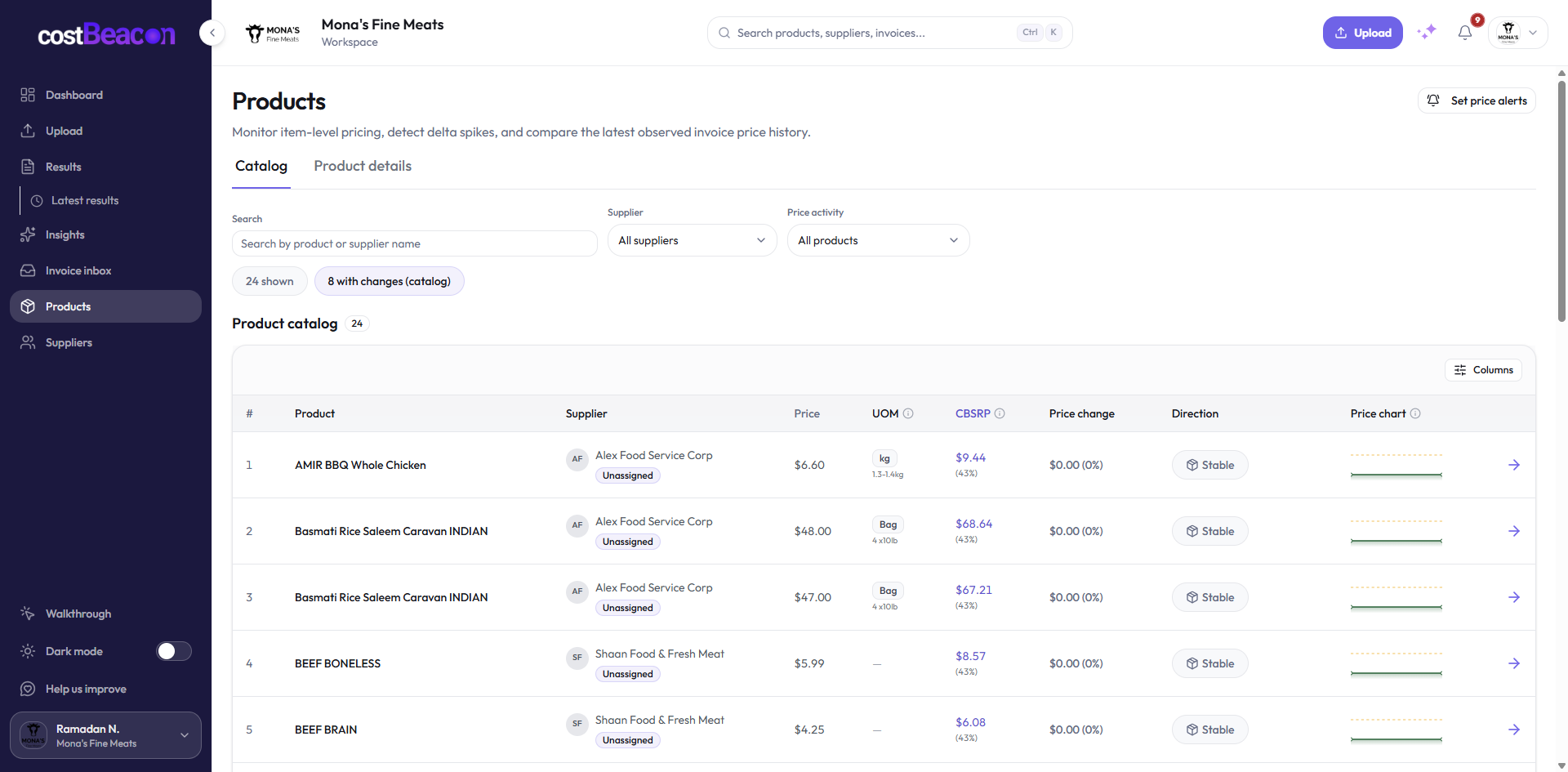
Recurring line items roll up so you can negotiate with data, not memory.
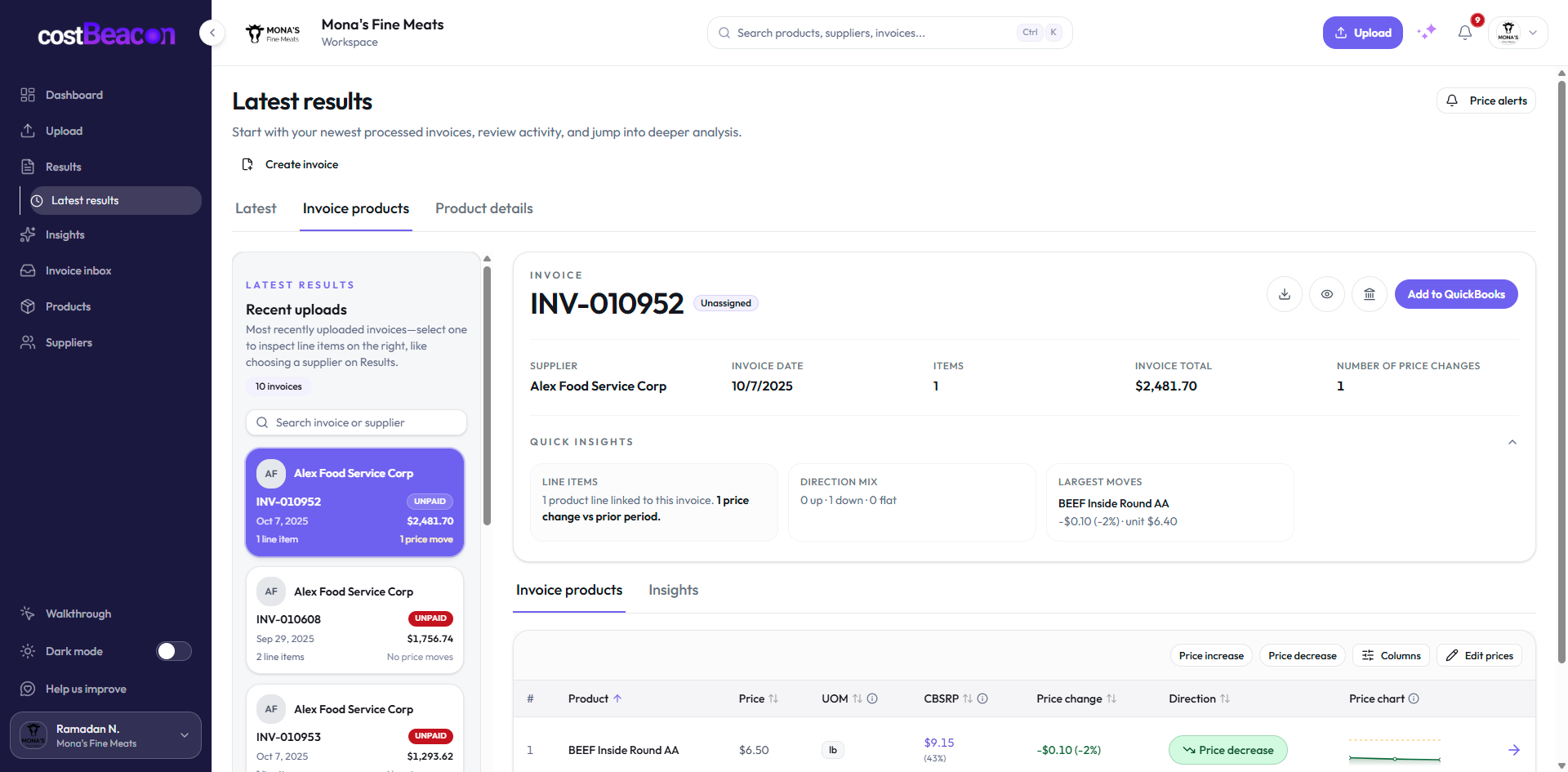
Quick insights, line-item deltas, and sparklines tie every alert back to source PDFs.
One extraction moment
Not a schema dump — three questions that make alerts trustworthy.
Know which vendor created pressure and when the bill landed.
Match recurring items and normalize cases, kg, lb, and boxes.
Detect true price moves — including freight and disappearing discounts.
Workflow
Three steps — no spreadsheet archaeology. Optional QuickBooks Online sync when you need it.
Add PDFs, scans, and photos from the vendors you already buy from.
Structured vendor, product, quantity, and unit-cost data — grouped across recurring invoices.
Alerts surface what moved with invoice evidence attached. Compare vendors before month-end.
30-day free trial · No credit card required
Upload an invoice free