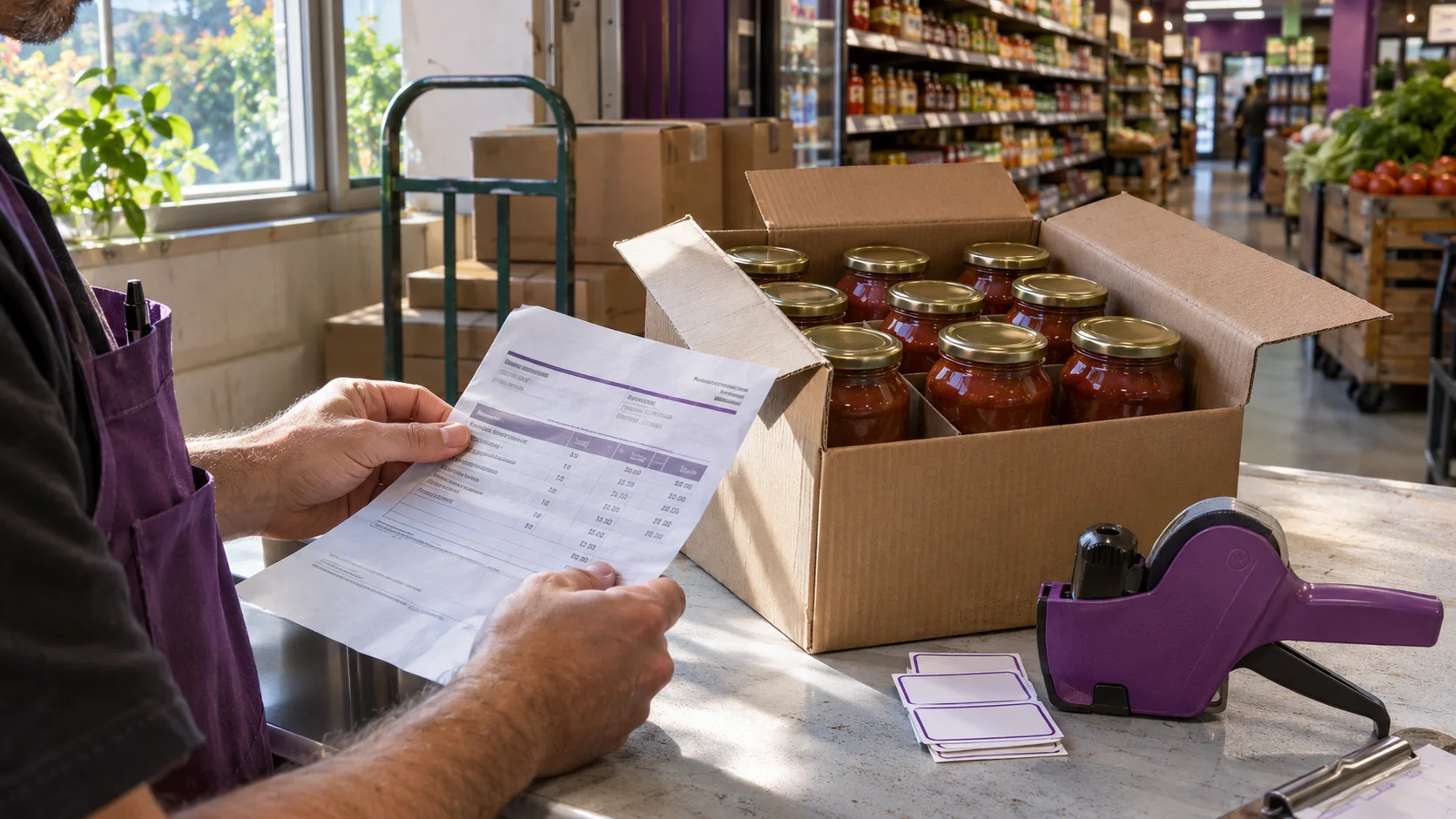
Imagine a delivery arriving on Tuesday morning. The sauce jars go straight onto the shelf. Their ticket still says $4.99. You review the invoice on Thursday and discover that the cost of each jar rose from $4.00 to $4.20. The product has been selling normally. Its economics have changed.
That delay is easy to understand in an independent grocery store. Receiving, staffing, customers, and replenishment all need attention. Yet every unit from the new delivery that sells at the old retail price earns a little less gross profit than it would have at the previous cost.
A useful response is to shorten the time between seeing a new buying cost and making an explicit pricing decision. This article uses the first 48 hours as a practical review window, not an industry benchmark. Your delivery cycle may require a faster check.
A cost increase keeps working while you are busy
In the 2026 Vori/Progressive Grocer study, 49% of respondents reported lacking a reliable system for catching vendor cost changes as they happened. The vendor-commissioned survey covered 53 US grocery operators with 1–10 stores, so it is directional evidence from a small sample rather than a population estimate.
A named account shows the workflow involved. Supplyve's Crown Market case study describes staff reviewing invoices and updating the Connecticut store's POS after goods had already gone on sale. It is a third-party vendor's customer account, not a CostBeacon customer result.
Even executing an approved change takes effort. Walmart's March 2026 description of shelf-label operations discusses thousands of weekly updates and manual work that previously took days. Independent stores operate at a different scale, but a pricing decision still has to reach the shelf and the checkout.
How a 5% cost increase takes 20% of gross profit
Return to the sauce example. These are hypothetical amounts in one currency, for the same sellable unit, excluding sales tax. The shelf price stays fixed.
| Measure | Previous cost | New cost |
|---|---|---|
| Shelf price | $4.99 | $4.99 |
| Cost per jar | $4.00 | $4.20 |
| Gross profit per jar | $0.99 | $0.79 |
| Gross margin on sales | 19.84% | 15.83% |
The cost rose 5%. Gross profit per jar fell about 20.2%, because the extra 20 cents comes out of a 99-cent contribution. Gross margin on sales fell about 4.01 percentage points. These percentages answer different questions; they should not be used interchangeably.
If 100 jars from the new-cost stock sell at $4.99, gross profit is $20 lower than it would have been at the old cost. That is a comparison of acquisition costs, not a claim that the store lost $20 overall or could certainly recover it by raising prices. Demand, waste, freight, and operating expenses are outside this example.
Try your own numbers
What changes while the shelf price holds?
Use costs per sellable unit and only the units sold from stock bought at the new cost. Keep all amounts in one currency.
Gross profit per unit changes from $0.99 to $0.79 (−20.2%).
Illustrative comparison before freight, waste, rebates and overhead. Actual sales volume must come from your own sales records.
Start with the invoice, then check the shelf
At receiving, make the invoice available to whoever reviews buying costs. A document left in a delivery folder until the weekly bookkeeping session cannot inform today's decision. Give that review a named owner and a fallback when the owner is off.
Compare changed lines on a consistent basis. A $50 case cannot be compared directly with a $4.99 jar. Confirm the sellable units in the case before converting. For meat, produce, and other variable-weight goods, check the actual weight and whether the quoted rate is per kilogram, pound, or case. The invoice comparison guide walks through those checks.
Next, verify the current shelf and checkout prices. A discrepancy between them is a separate problem to resolve; neither should be assumed from an old price list. Also check whether the item is in a promotion or subject to an allowance that changes the effective buying cost.
Prioritize a small group. A large cost jump matters, but a modest increase on a frequently sold staple can deserve attention sooner. Use sales records to judge sales volume. Invoice quantities tell you what was purchased, not how quickly it sold.
Make one of three decisions explicit
Review the selling price. Calculate what the new cost means at the current retail, then decide on a price that fits the item's role and your customers. Check both shelf and POS after making the change. A calculator alone cannot tell you what shoppers will accept.
Ask the supplier about the increase. An expired promotion, a different case, or an extraction error can resemble a straightforward increase. Verify the source invoice before negotiating. If the change is correct, ask about alternatives or terms that actually suit your store.
Hold the price deliberately. Some staples help customers judge the value of the whole store. You may choose to absorb an increase on one of them. Record the reason, the person responsible, and the next review date so the decision does not become permanent by accident.
This is where grocery pricing needs judgment. A rule that raises every shelf price automatically can conflict with your merchandising strategy. A process that surfaces changed costs gives you a chance to exercise that judgment while it still matters.
Keep the review small enough to repeat
Use a short action list: product, old unit cost, new unit cost, actual retail price, decision, owner, and review date. Start with five changed items from the latest deliveries. Close those decisions before growing the list.
CostBeacon supports the first part of the process by extracting supplier invoice lines, identifying price changes, and making product history and original invoices available for review. The CostBeacon walkthrough shows how to move from an uploaded document to a product's history.
You provide the current selling price and complete the pricing action. CostBeacon's cost-derived sticker references are not live shelf prices, and its invoice history does not reveal actual sell-through. Use your POS or sales records for those facts.
A short review of new deliveries also works alongside a longer check for small increases accumulating over time. The first catches the immediate decision; the second catches a pattern that may be less obvious on any single invoice.
Questions grocery owners ask
Should every supplier increase trigger a shelf-price increase?
No. Verify the buying cost, then consider the product's current gross profit, customer expectations, promotion, and role in the store. Holding a price can be a sound choice. The purpose of the review is to make that choice informed and give it a date for reconsideration.
Is a 5% cost increase always a 20% gross-profit decline?
No. That relationship comes from this example's $4.99 retail price and $4.00 starting cost. The effect depends on how much gross profit the item had before the increase. Use the calculator with the same sellable unit throughout to see the effect for a particular product.
What if I still have stock bought at the old cost?
Do not apply the new cost retroactively to it in this example. The calculator compares units from newly purchased stock with what those units would have earned at the previous cost. Your accounting inventory method and actual stock movement determine how costs appear in financial reports.
Is gross profit the money left for the owner?
No. Gross profit here is selling price less the stated acquisition cost. Store wages, rent, utilities, payment fees, and other expenses still have to be covered. For the wider accounting context, read the guide to cost of goods sold.
Research note: the opening scene and calculations are hypothetical. Named third-party accounts support the workflow discussion, not a CostBeacon savings claim. The cover is an editorial illustration created for this article.
Clearer costs. Better buying decisions.
Explore the journal ↗