

A supplier scorecard should connect performance to margin
A supplier scorecard is useful when it helps a business decide where to focus attention. Quality, delivery, responsiveness, and service all matter. But cost deserves a specific evidence layer because price movement can compress margin even when everything else looks fine.
CostBeacon turns this workflow into an invoice-backed system: see the invoice price tracking product, compare plans and trial options, or review our supplier price tracking software page for the commercial overview.
The most practical scorecards combine operational judgment with invoice-backed cost history.
Choose the scorecard pillars
Start with a small set of pillars that the team can actually maintain. For many businesses, that means quality, delivery, cost, and service. CostBeacon supports the cost pillar by turning supplier invoices into product and unit-cost history.
Product fit and issue notes
Reliability and stockout context
Responsiveness and support
Unit cost, product history, price movement, and supplier review inputs from uploaded invoices.
Use weights so the score reflects the business
A scorecard should not imply every factor is equal. If margin pressure is the biggest issue, cost may deserve a heavier weight. If stockouts are the pain, delivery might matter more.
Define performance thresholds before reviewing suppliers
Thresholds make supplier reviews less subjective. A strong supplier might score 85 to 100, a watch supplier 70 to 84, and a risk supplier below 70. The important part is using the threshold consistently and pairing it with real examples.
Use invoice data for the cost evidence layer
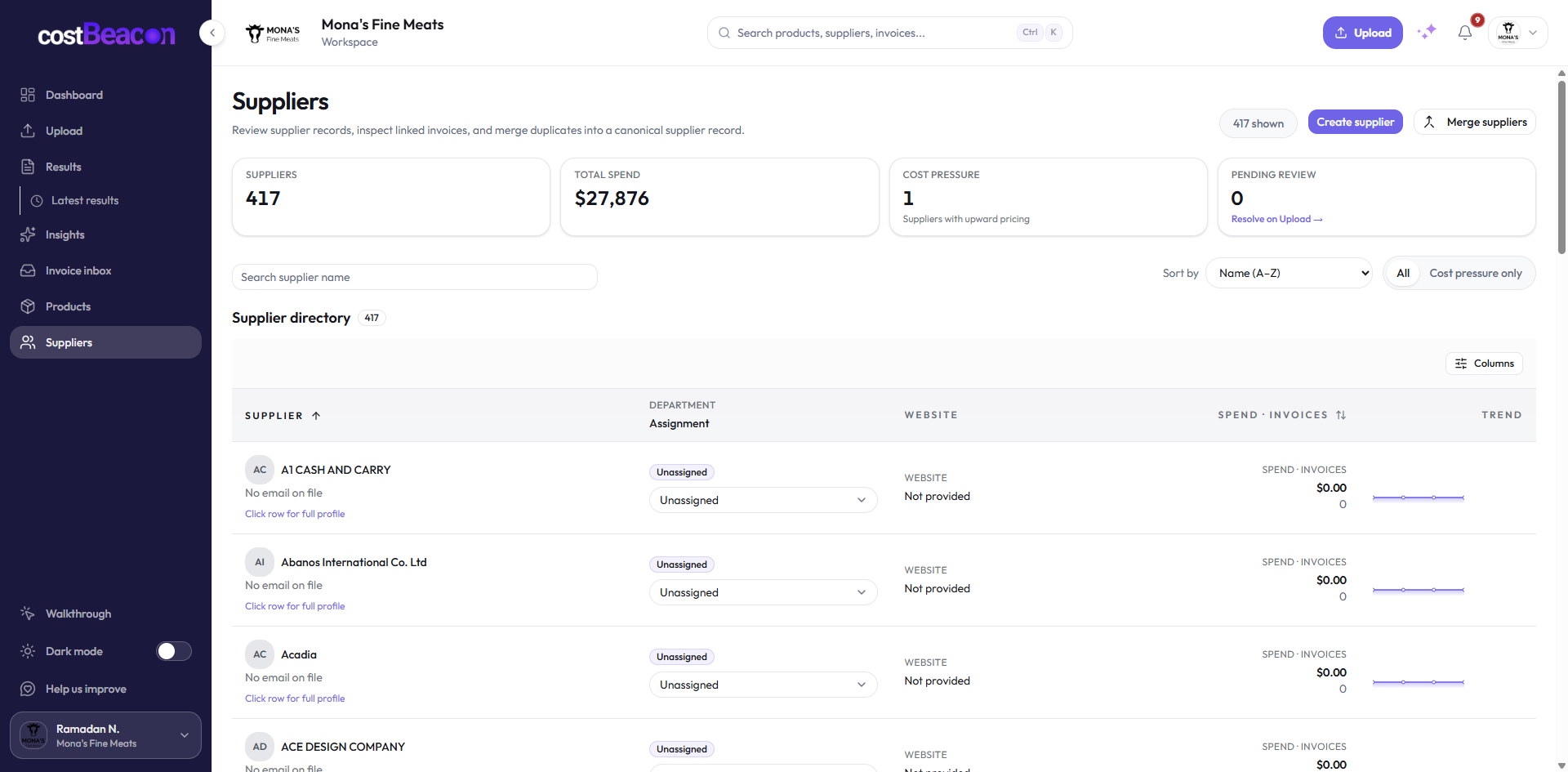
Cost evidence should be based on what the business actually paid. CostBeacon helps teams upload supplier invoices, extract line items, build product cost history, and see unit cost changes by supplier.
Supplier invoices
Actual paid item costs create the cost pillar baseline.
Changes become review evidence, not vague supplier sentiment.
Watch: review supplier pricing
The takeaway
A supplier scorecard should help teams make better decisions, not just produce a score. When the cost pillar is backed by invoice history, supplier reviews become more specific: which items changed, how much they changed, and whether the change is large enough to threaten margin.
Final takeaway: invoice-first cost visibility gives teams better timing. When supplier cost changes become visible at the line-item level, operators can act before those changes become permanent margin loss.
FAQ
Common questions
How does CostBeacon help with supplier costs?
CostBeacon extracts line-item costs from supplier invoices and tracks product history so you can see price changes before margin is squeezed.
Do I need QuickBooks?
No. CostBeacon works from uploaded invoices; QuickBooks Online sync is optional.